Thermostat not working? The wall control may look like the source of a heating or cooling problem. The cause may also be lost power, a system safety control, airflow trouble, or another HVAC issue. Start with safe checks such as the display, mode, setpoint, batteries, and circuit breaker. If the system still will not respond, professional diagnosis can help separate a thermostat fault from an equipment problem.
Schedule service with Garland Heating and Air Conditioning if basic checks do not restore comfort, or if you notice an electrical or equipment safety concern.
When your thermostat is not working, the display may be blank or unresponsive. The room temperature may also seem wrong. Repeated heating and cooling cycles are another warning sign. Check settings and power safely first. Do not remove wiring or open equipment panels unless the power is off and you are qualified to do so.
The pattern of the problem offers the first useful clue. Here is how to recognize the signs, understand what they may indicate, and decide when a DFW HVAC technician should take over.
A thermostat problem can appear as a blank screen, a system that ignores temperature changes, or a room that feels different from the displayed temperature. These symptoms help narrow the issue, but they do not prove the thermostat itself has failed.
| Symptom. | Possible direction. | Safe first step. |
|---|---|---|
| Blank screen. | Battery or HVAC power issue. | Check model-specific batteries and the breaker. |
| Screen on, no response. | Delay, safety switch, wiring, or equipment fault. | Confirm mode, setpoint, and wait through the delay. |
| Wrong temperature reading. | Sensor, calibration, sunlight, or draft. | Check the surrounding conditions. |
| Rapid cycling. | Filter, airflow, refrigerant, coil, or control issue. | Check the filter and schedule diagnosis if it persists. |
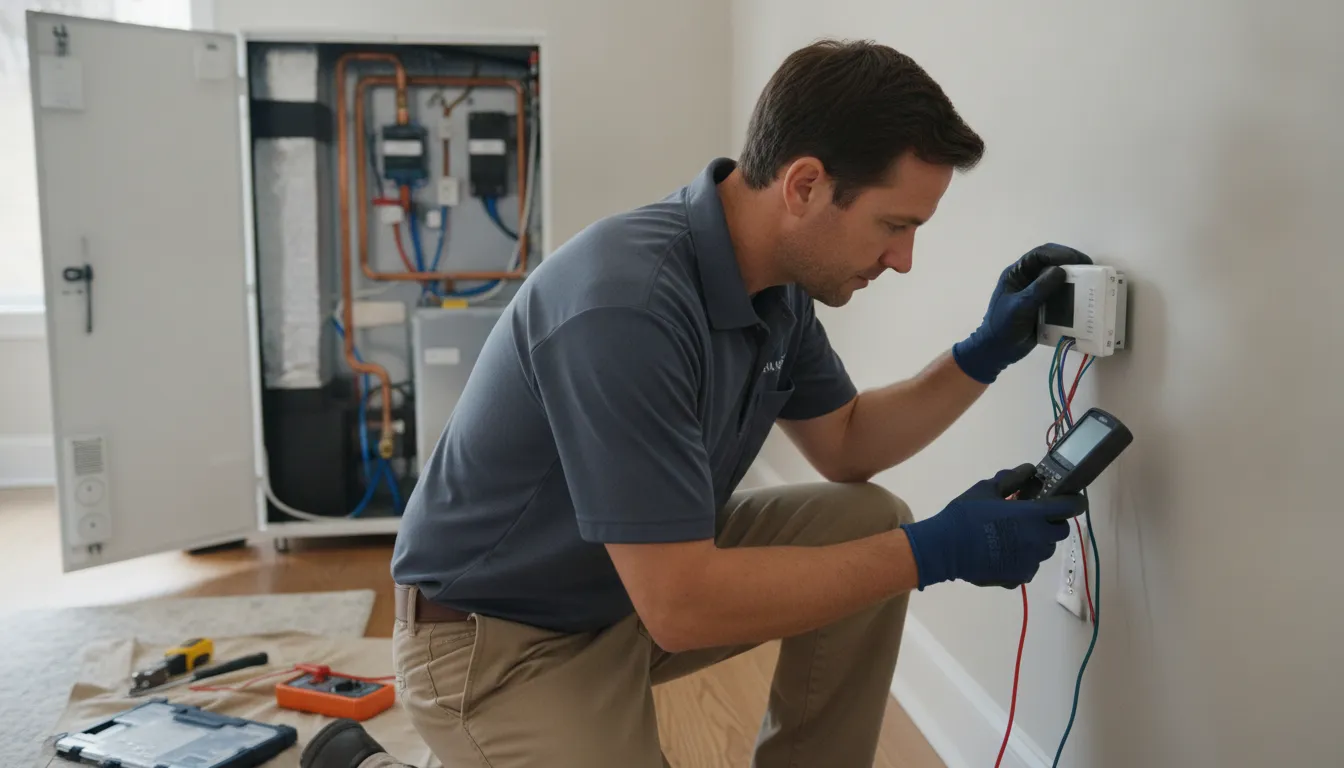
If the display is dark and buttons produce no response, the thermostat may have lost power. Dead batteries, a tripped circuit breaker, missing HVAC power, or an open furnace-door safety switch can all contribute to a blank screen. Check only the simple items you can identify safely. Do not remove thermostat wiring or open equipment panels just to investigate.
A screen that stays on but does not respond to a heating or cooling setting can have several causes, including a wiring problem, thermostat failure, an HVAC control-board issue, or a tripped safety switch. If the system remains unresponsive after basic checks, schedule professional diagnosis rather than guessing at the wiring. For broader context, you can also troubleshoot common AC problems without assuming the thermostat is the only concern.
When the thermostat reading does not match how the room feels, the sensor may need calibration. Direct sunlight or a cold draft near the thermostat can also affect its reading. A thermostat that turns equipment on or off at the wrong time may be miswired or broken, but the surrounding conditions should be considered before replacing it.
No. Rapid cycles can result from a clogged filter, refrigerant leak, or frozen evaporator coil. Modern thermostats may also use a protection delay before restarting equipment. If the system repeatedly starts and stops, the symptom deserves HVAC diagnosis instead of an automatic thermostat replacement. A persistent problem may involve the equipment, airflow, controls, or thermostat connection.
Before assuming the thermostat has failed, work through these checks without removing the thermostat cover or touching electrical wiring. A blank display can result from weak batteries or lost HVAC power, while a powered display may simply be set incorrectly or waiting through a normal startup delay. Keep the checks limited to visible settings and accessible controls, and do not open equipment panels unless you are qualified and comfortable doing so.
Do not remove thermostat wires, open the furnace or air-handler panel, test voltage, or bypass a safety switch as a homeowner shortcut. Damaged wiring, repeated breaker trips, burning odors, or uncertainty about what you see are reasons to stop and contact a qualified HVAC professional.
A lit display confirms that the thermostat has power, but it does not prove that the HVAC equipment received or completed the request. A powered thermostat can show a normal screen while the system waits, detects a safety condition, or has a separate equipment fault.
Start with the simple distinction between a thermostat command and an HVAC response. Confirm that the mode is set to Heat or Cool, rather than Off, and that the setpoint actually calls for heating or cooling. If Cool On or Heat On is flashing, the system may be in a normal protection delay designed to reduce rapid cycling. Wait at least five minutes, and allow longer if the equipment manufacturer specifies a longer delay. Check the instructions for your exact thermostat model before attempting a reset.
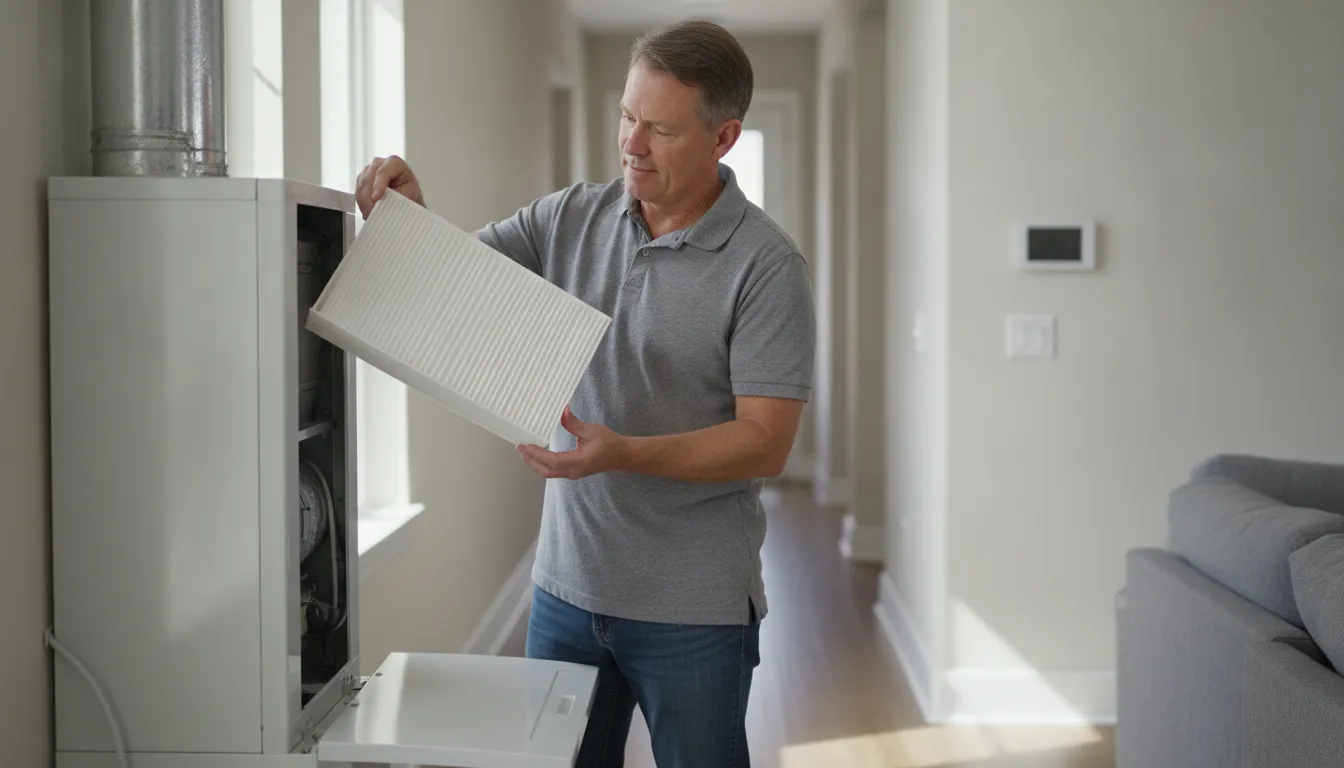
A clogged filter restricts airflow and can reduce cooling performance. Check whether the filter is clean and properly installed, and notice whether air is moving from the vents. The U.S. Department of Energy explains that restricted airflow can reduce a system’s efficiency and cooling ability. A condensate drain issue can also trigger a safety switch that prevents equipment from running, especially during cooling. Do not bypass a switch or open the air handler to investigate it. If the system is short cycling, a clogged filter or frozen evaporator coil may be involved, not just the thermostat. See our guide to troubleshoot common AC problems for related symptoms.
Low or leaking refrigerant, damaged wiring, a failed thermostat, a control-board problem, or another electrical fault can all leave the screen on while the equipment stays off. Refrigerant diagnosis and repair require a trained technician, and electrical connections should be professionally checked. Do not remove thermostat wires, open equipment panels, or attempt to reset a control board unless you are qualified and the power is safely off. If the mode and setpoint are correct but the HVAC system still does not respond, schedule professional HVAC repair service rather than treating a system fault as a thermostat setting problem.
Basic setting and battery checks are reasonable, but stop troubleshooting when the problem involves wiring, energized equipment, or signs of a safety hazard. A thermostat that is not working may reflect a broader HVAC or electrical fault, so do not keep resetting the system simply to make it run.
A technician can determine whether the thermostat is actually at fault or whether the system has a tripped safety switch, control-board issue, refrigerant problem, or electrical fault. Refrigerant leaks and electrical connections require trained service rather than a homeowner recharge or wiring experiment. If safe checks do not restore operation, use professional HVAC repair service to arrange the next diagnostic step. For customers in Garland, Dallas, Richardson, Plano, and nearby DFW communities, describe the warning sign clearly when scheduling so the technician can approach the problem safely.
A thermostat that remains unresponsive after basic checks does not automatically need replacement. The fault may be in the wiring, control board, safety switch, power supply, or another part of the heating or cooling system. Persistent symptoms are a reason to diagnose the complete system before choosing a new wall control.
Replacement becomes a practical option when the thermostat is damaged, incompatible with the equipment, or cannot reliably read and control the temperature after professional testing. A new thermostat may also suit a homeowner who wants different scheduling or connected features, but compatibility should be confirmed before installation by a qualified HVAC professional. Homeowners comparing options can first review how to choose the right home thermostat.
Choose diagnosis rather than assuming replacement when the screen is on but the system does not respond, when cooling or heating starts and stops rapidly, or when room temperature differs substantially from the display. A clogged filter, frozen evaporator coil, refrigerant issue, electrical control problem, or safety switch can create symptoms that look like a thermostat failure. Refrigerant and electrical work require trained service. Opening equipment panels or removing wiring is not a safe next step unless power is off and you are qualified to proceed.
Garland Heating and Air Conditioning provides AC diagnostics and documents same-day and after-hours service for DFW customers, including Garland, Dallas, Richardson, Plano, and Mesquite. Pricing is quote-based and depends on system requirements and site conditions. To compare service and replacement options, schedule service and describe exactly what the thermostat is displaying and what the equipment is doing.
Use the correct mode and a reasonable setpoint for the season, then avoid frequent manual changes while you are trying to understand a comfort problem. Programmable thermostats can adjust temperatures on a schedule, while smart models may respond to occupancy or activity. If the display seems accurate but rooms still feel uneven, check the filter and confirm that vents have adequate airflow. A clogged filter restricts airflow and can reduce cooling effectiveness, so inspect it regularly and make sure any replacement is installed correctly. The troubleshoot common AC problems guide can help when the symptom extends beyond the thermostat.
Before heavy summer cooling or winter heating begins, check the thermostat’s batteries if the model uses them. Confirm that its displayed temperature is reasonable. Look for unusual cycling or delayed starts. Do not remove thermostat wiring or open equipment panels as part of routine prevention. Those tasks can expose electrical hazards and belong with a qualified technician. Seasonal maintenance can also identify airflow, control, or equipment concerns before they repeatedly trigger a thermostat complaint.
A smart thermostat can offer remote control and scheduling, but connectivity does not correct a failing HVAC component. If you are considering an upgrade, first choose the right home thermostat for the equipment and wiring. For commercial spaces, apply the same discipline at a larger scale: document schedules, check occupied-zone comfort, and have recurring faults evaluated instead of repeatedly overriding the controls. Homeowners exploring connected controls can review smart thermostat benefits in Texas before making a change.
Schedule thermostat or HVAC service with Garland Heating and Air Conditioning if safe checks do not restore comfort. Call (972) 278-3500 with the thermostat display and system behavior ready to share.
Warning signs include a blank, unresponsive display, incorrect room-temperature readings, or equipment that does not turn on or off when the thermostat calls for it. These symptoms can also come from lost HVAC power, wiring, a control issue, or a safety switch, so diagnosis should not assume the thermostat has failed. Check the instructions for your exact model before changing settings or attempting a reset.
Check the mode and temperature setting, replace batteries if the model uses them, and inspect the HVAC circuit breaker. If the display remains blank or the system still does not respond, stop before removing wiring or opening equipment panels and arrange professional diagnosis.
The system may be in a normal startup protection delay, or the cause may be outside the thermostat. Check that the furnace or air-handler door is closed and that the filter is clean and properly installed. A clogged filter, safety switch, refrigerant issue, or electrical problem can also prevent cooling.
Reset procedures vary by thermostat model, and some models do not have a dedicated reset button. Follow the manufacturer instructions rather than guessing or disturbing wiring. If the thermostat remains unresponsive after basic setting and power checks, have the system evaluated.
Schedule service when basic checks do not restore operation, wiring appears damaged, the system cycles rapidly, or you are unsure what you are seeing. Do not open equipment panels or work with wiring unless power is off and you are comfortable doing so.
If your thermostat remains unresponsive or your home comfort does not improve after safe checks, professional diagnosis can help identify whether the issue is the thermostat or another system component. Schedule service through our contact form for help from Garland Heating and Air Conditioning. You can also call (972) 278-3500, and our team can discuss the next step for your DFW home.